


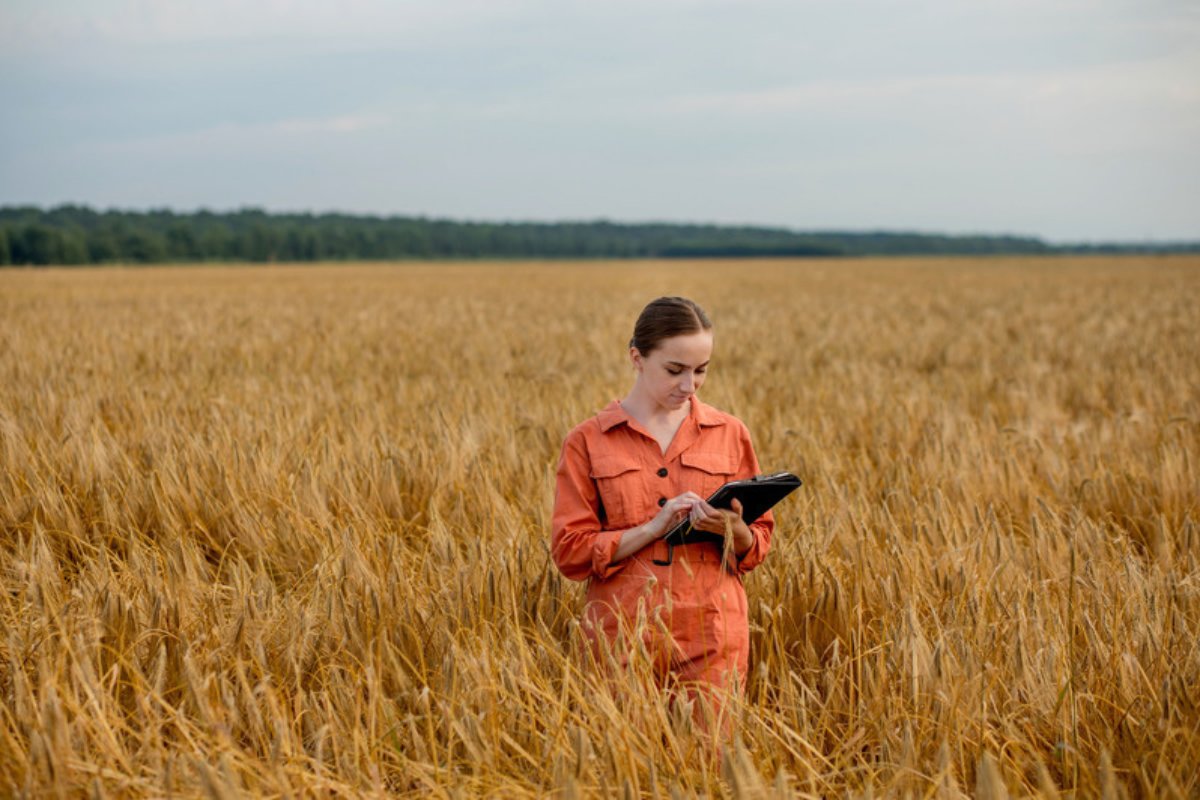
Why do we write things down? Because memory fades, and on a farm the details that fade first are often the ones that matter. For generations, farmers and agronomists have kept paper notebooks to hold on to what they saw in the field from one season to the next.
On a modern farm, paper carries real operational risks. A notebook that is lost, damaged or soaked in a storm can take months of records with it. Data also ends up scattered. The warehouse manager keeps inventory on a clipboard, the crop protection specialist notes pest symptoms on paper, and the farm manager works from spreadsheets that do not connect to either, while important messages travel through chat apps. When records are split this way, information arrives late or not at all, and on a commercial farm that costs money every season. Digital scouting tools can fix much of this, but only if three things are done right.
Record what changes and leave out what does not
A common mistake when digitising is making the field forms too long. When scouting software asks for twenty required fields, field teams tire of it and quietly go back to paper. The answer is a short checklist that captures what matters.
Crop stages: exact planting, flowering and harvest dates, so crop cycles can be tracked and seasons compared.
Field operations and inputs: every irrigation run, fertigation mix and crop protection treatment, with the product, the rate applied, the area treated and who did the work.
Georeferenced problem spots: GPS points for pest flare-ups, weed patches or irrigation breaks, each with a severity rating.
Field photographs: clear pictures of pests, nutrient symptoms or emergence stages that let others check what the scout saw.
Information that hardly changes belongs in the farm setup, entered once and kept out of daily scouting. Soil types, topography, the properties of water sources and the design of irrigation systems stay largely the same from week to week. Daily scouting should record only what changed that day.
Win over the scouts before the paper notebook goes
People resist change, and the biggest barrier to digital agriculture is rarely the software. It is usually the people expected to use it. Scouts and agronomists often view new devices with suspicion, worried that they exist to track their movements or to replace their judgement.
The way through is to show scouts how digital records work in their favour. Think of an agronomist who works hard in tough field conditions. With pen and paper, much of that work goes unseen until something fails. With a digital system, every scouting record is located, timed and backed by photos, so the agronomist has clear evidence of the problems they caught and the action they prompted, visible to management.
Software design matters just as much. Tools that are slow or awkward lose their users, so two practical rules help.
Keep each entry under about 30 seconds: use drop-down lists, one-tap severity ratings and automatic location rather than long typed notes.
Make it work offline: on remote desert and rural farms, including large land reclamation projects in dry regions, mobile coverage is often missing. Scouts must be able to record everything offline, with the data syncing automatically once the device is back in range.
Turn scouting records into decisions
Thousands of georeferenced records are worthless if nobody acts on them. The real return on digital scouting comes from closing the loop, turning each observation into a quick, traceable action, which is the central idea behind farm management information systems.
On a farm run on paper, a scout notes an aphid patch, hands in the note that evening, and a spray of the whole pivot is scheduled several days later. On a connected farm, the sequence is different.
An alert reaches the manager at once: a flagged infestation appears straight away, with its priority, on the farm manager's dashboard.
The work order targets the problem: instead of spraying all 50 hectares, the manager issues an order for spot spraying, or for flushing an irrigation line, on the affected block only.
A follow-up check confirms the result: about a week later, the scout is guided back to the same GPS point to record a follow-up. Comparing the before and after photos, along with a satellite vegetation index where one is available, shows whether the treatment worked or whether the problem needs another look.
This is the kind of system I work with at DOTRA. The most useful platforms bring scouting reports, satellite vegetation indices, inventory and operating costs together in one place, so that field records turn into figures managers can act on, from tracking performance to controlling costs, rather than sitting in an archive. Researchers designing these systems have long argued for exactly this, with every task on the farm linked to the information it produces and needs.
Technology supports the agronomist's eye
Digital tools were never meant to replace the agronomist's experience or the farmer's presence in the field. They take away the chaos of scattered records, keep the farm's memory when people move on, and cut out guesswork. Scouts who use them well can act earlier, save water and crop protection products, and keep crops productive.
Sources
Fountas, S., Carli, G., Sørensen, C. G., Tsiropoulos, Z., Cavalaris, C., Vatsanidou, A., Liakos, B., Canavari, M., Wiebensohn, J., and Tisseyre, B. (2015). Farm management information systems, current situation and future perspectives. Computers and Electronics in Agriculture, 115, 40-50.
Sørensen, C. G., Fountas, S., Nash, E., Pesonen, L., Bochtis, D., Pedersen, S. M., Basso, B., and Blackmore, S. B. (2010). Conceptual model of a future farm management information system. Computers and Electronics in Agriculture, 72(1), 37-47.